Transform portraits, products, landscapes, and AI characters into cinematic AI videos with Wan 2.7 Image to Video.
Want to try Wan 2.7 yourself? Visit wan 2.7 to generate AI videos from images and explore the latest image-to-video workflows.
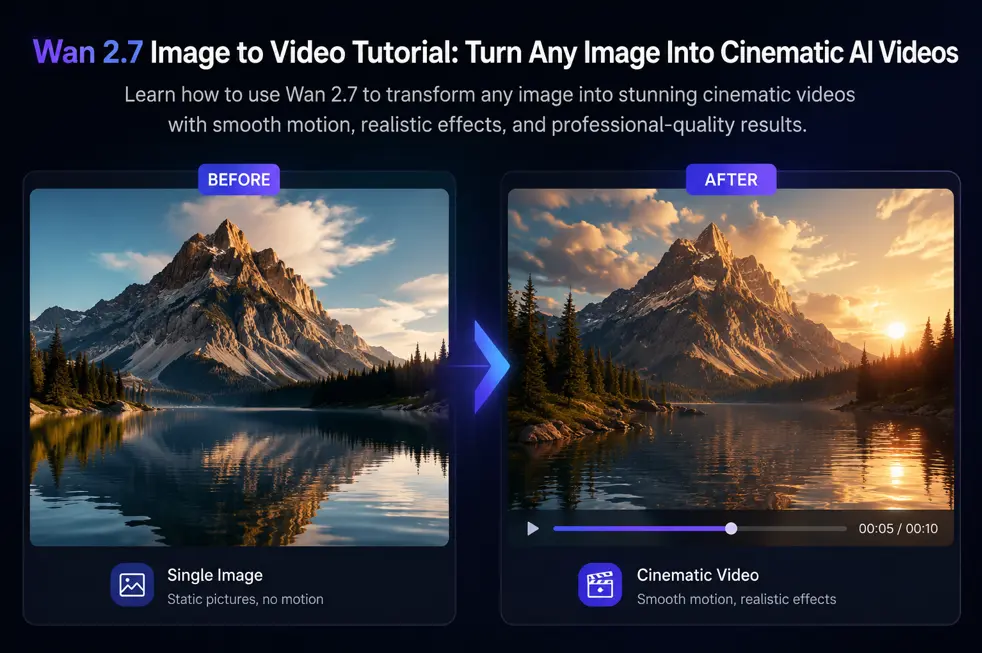
Turn Any Image Into a Moving AI Video
Static images no longer need to stay static.
With Wan 2.7 Image to Video, a single image can become a dynamic video with camera movement, realistic animation, environmental motion, and cinematic effects.
Instead of generating a video entirely from text, Wan 2.7 uses your uploaded image as the visual foundation and intelligently adds motion while preserving the original subject and composition.
Whether you're creating social media content, product commercials, travel videos, or AI character animations, Wan 2.7 provides a simple way to bring images to life.
What Is Wan 2.7 Image to Video?
Wan 2.7 Image to Video is an AI-powered workflow that converts a still image into a moving video.
You provide:
An image
A motion prompt
The model generates:
Camera movement
Subject animation
Environmental effects
Lighting transitions
Cinematic motion
Unlike traditional text-to-video generation, image-to-video generation preserves the original appearance of your uploaded image while adding realistic movement.
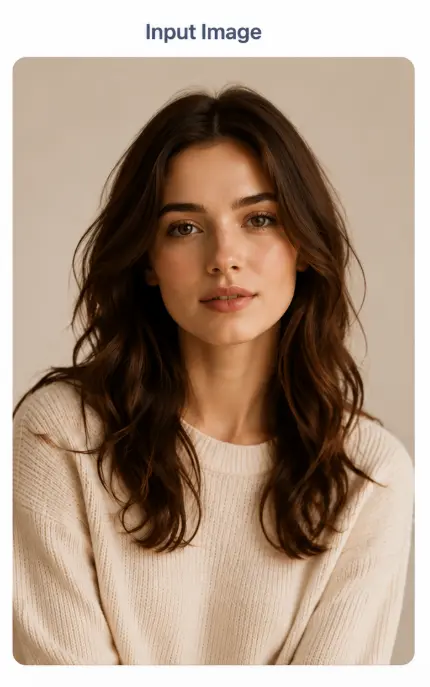
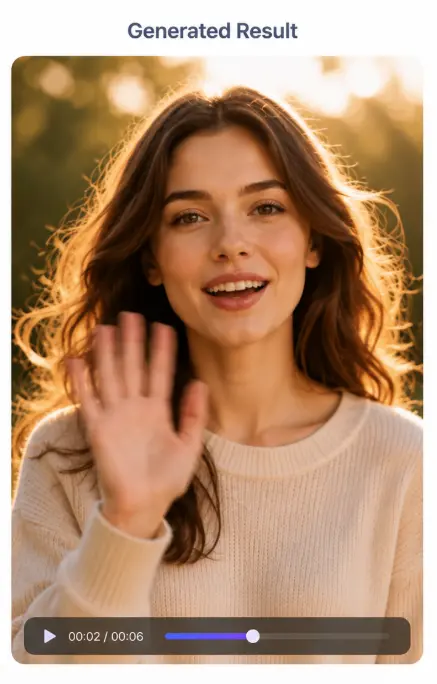
Example 1: Portrait to AI Video
Portrait animation is one of the most popular uses of Wan 2.7.
Input Image
Generated Result
Prompt Example
The subject slowly turns toward the camera and smiles softly.
Gentle wind moves the hair naturally.
Warm cinematic lighting.
Realistic facial expressions.
Smooth camera push-in.
Best Use Cases
AI Influencers
Character Videos
Instagram Reels
TikTok Content
Personal Branding
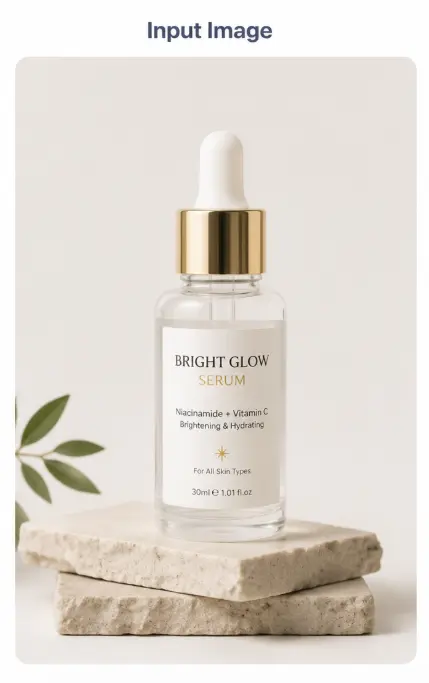
Example 2: Product Image to Video
Product videos are among the highest-converting marketing assets.
Input Image
Generated Result
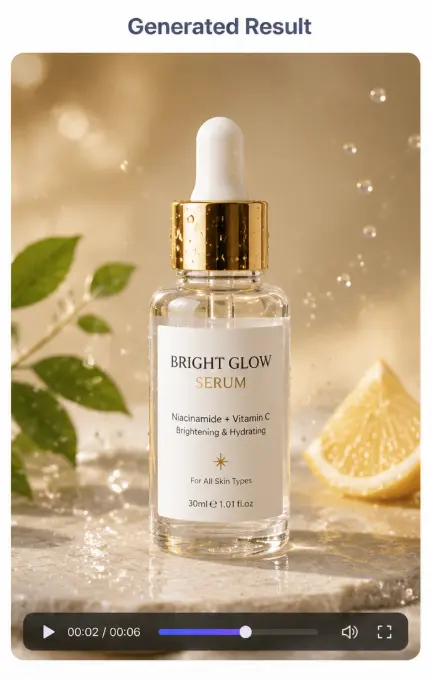
Prompt Example
A luxury commercial product video.
The camera slowly rotates around the product.
Soft reflections move across the surface.
Premium studio lighting.
Luxury advertising style.
Best Use Cases
Shopify Stores
Amazon Sellers
Product Launches
Landing Pages
Paid Advertising
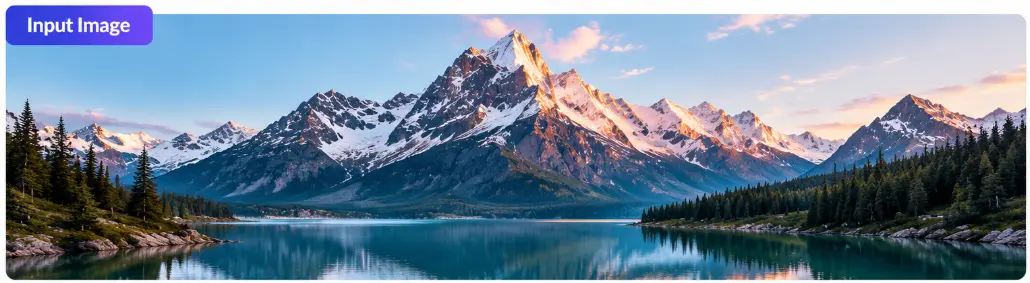
Example 3: Landscape Image to Video
Landscape images work extremely well with cinematic AI motion.
Input Image
Generated Result
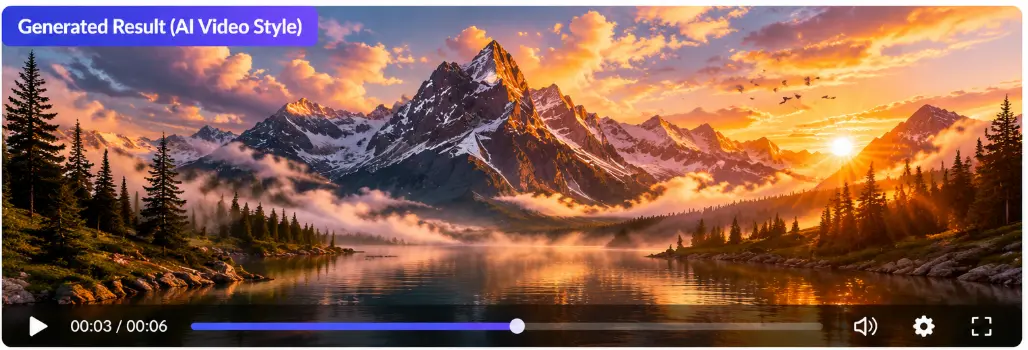
Prompt Example
A peaceful mountain landscape at sunrise.
Clouds drift slowly across the sky.
Sunlight spreads over the peaks.
Mist moves through the valley.
Cinematic camera push-in.
Best Use Cases
Travel Content
Tourism Marketing
YouTube Videos
Meditation Videos
Music Visualizers
Example 4: AI Character Animation
Wan 2.7 can animate AI-generated characters while preserving appearance consistency.
Input Image
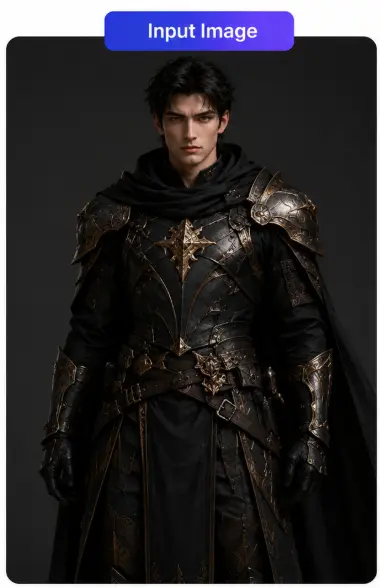
Generated Result
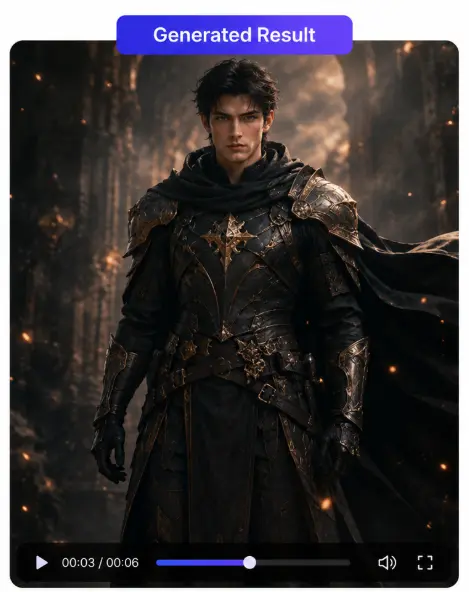
Prompt Example
A fantasy warrior stands in dramatic lighting.
The cape moves gently in the wind.
Particles float through the scene.
The camera slowly pushes forward.
Best Use Cases
Gaming Content
Character Trailers
Storytelling Videos
Virtual Influencers
How to Use Wan 2.7 Image to Video
Step 1: Choose a High-Quality Image
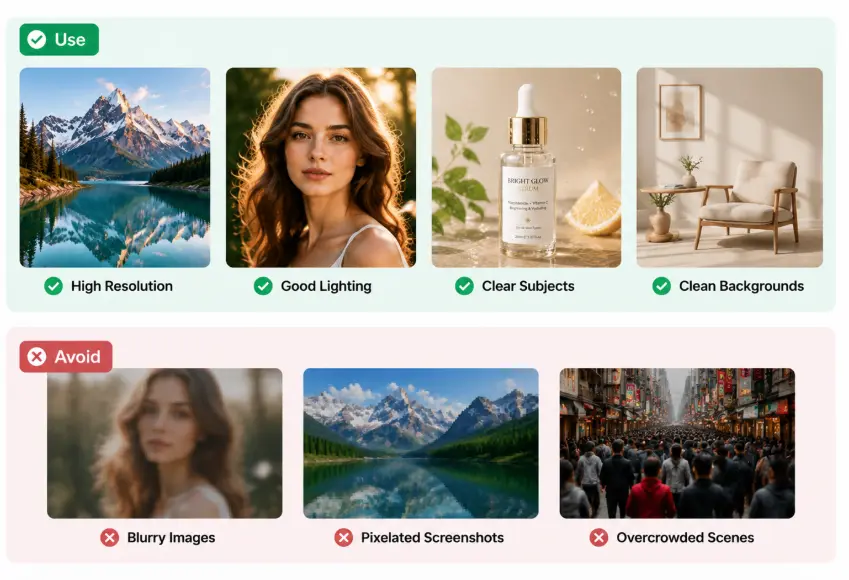
Use:
High Resolution
Good Lighting
Clear Subjects
Clean Backgrounds
Avoid:
Blurry Images
Pixelated Screenshots
Overcrowded Scenes
Step 2: Upload Your Image
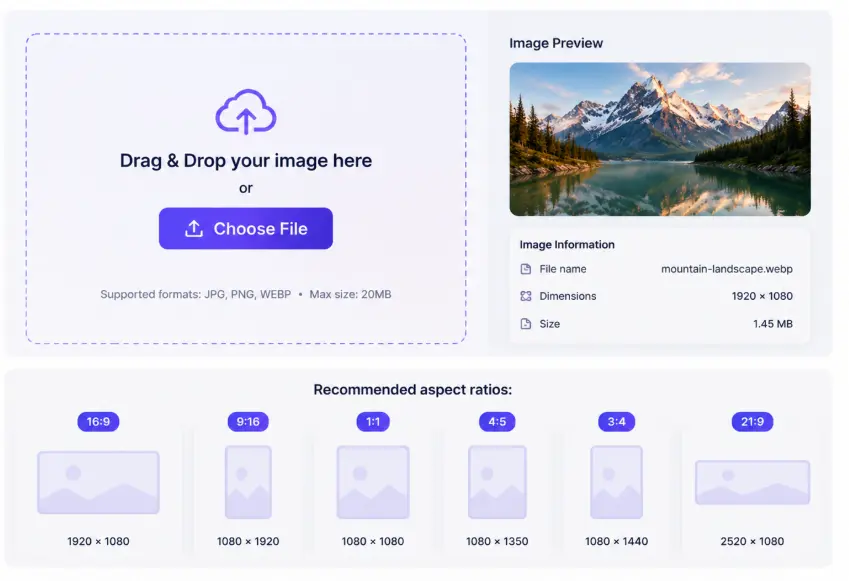
Recommended aspect ratios:
Ratio | Best For |
|---|---|
9:16 | TikTok, Reels, Shorts |
16:9 | YouTube, Websites |
1:1 | Social Media Posts |
Step 3: Write Better Motion Prompts
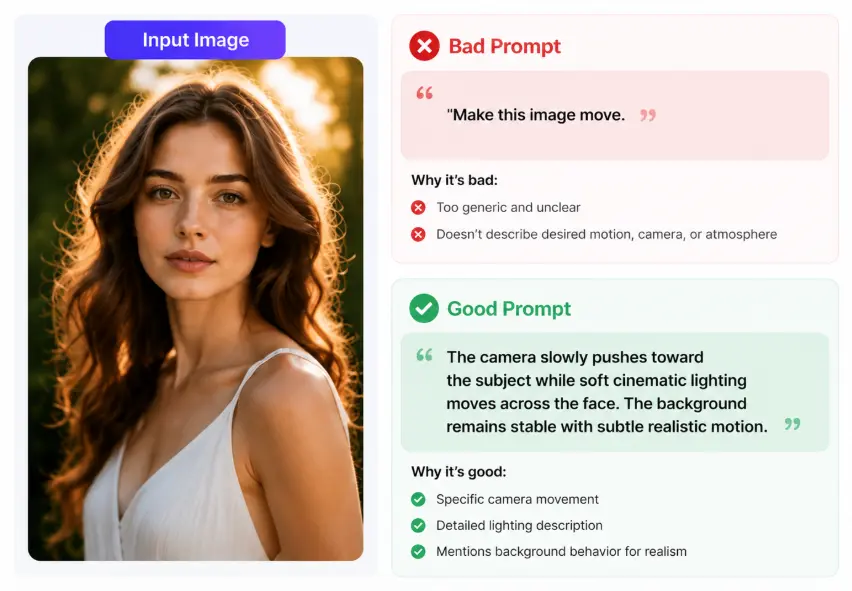
Bad Prompt:
Make this image move.
Good Prompt:
The camera slowly pushes toward the subject while soft cinematic lighting moves across the face. The background remains stable with subtle realistic motion.
Step 4: Generate and Review
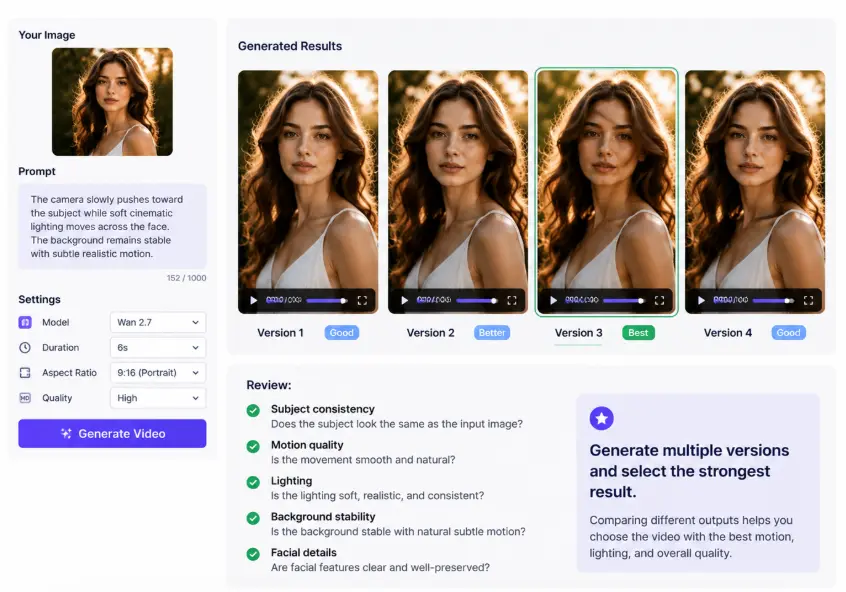
Review:
Subject consistency
Motion quality
Lighting
Background stability
Facial details
Generate multiple versions and select the strongest result.
Best Wan 2.7 Prompt Examples
Portrait Prompt
A cinematic portrait.
The subject slowly turns toward the camera.
Natural smile.
Soft blinking.
Golden-hour lighting.
Smooth camera push-in.
Product Prompt
A premium commercial product shot.
The camera slowly orbits around the object.
Luxury lighting.
Smooth realistic motion.
Character Prompt
A fantasy warrior stands in dramatic lighting.
The cape moves gently in the wind.
Particles drift through the scene.
The camera slowly pushes forward.
Travel Prompt
A scenic beach at sunset.
Waves move gently.
Clouds drift across the sky.
The camera slowly pans from left to right.
Warm cinematic lighting.
Real-World Applications
Wan 2.7 Image to Video is ideal for:
AI Influencer Videos
Product Advertising
Shopify Product Videos
TikTok Content
Instagram Reels
YouTube Shorts
AI Character Animation
Travel Videos
Music Visuals
Concept Art Animation
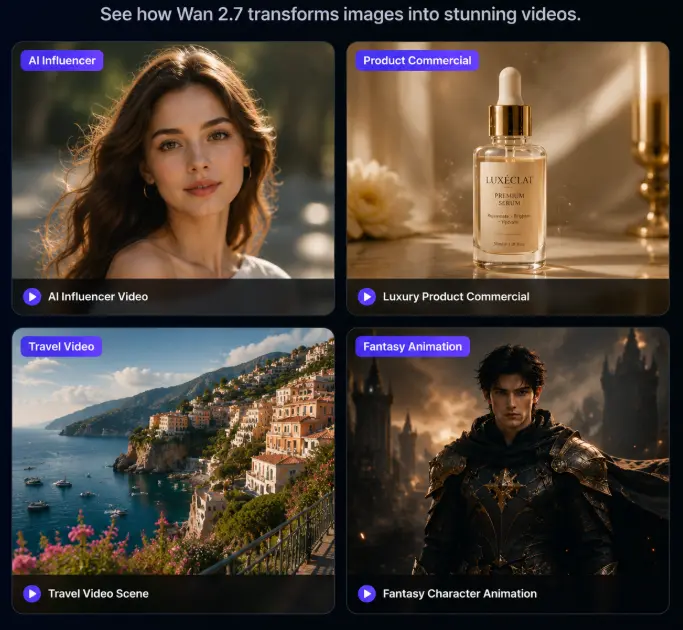
Gallery Showcase
FAQ
Can Wan 2.7 animate faces?
Yes. Facial animation is one of its strongest capabilities.
Can I create product videos?
Absolutely. Product advertising is one of the most popular commercial use cases.
What image quality works best?
High-resolution images with good lighting and clear subjects.
Can I create TikTok videos?
Yes. 9:16 vertical videos are one of the most common workflows.
Final Thoughts
Wan 2.7 Image to Video makes it easy to transform a static image into a cinematic AI video.
The workflow is simple:
Upload an image
Write a motion prompt
Generate a video
Refine the result
Whether you're creating AI influencer content, product commercials, travel visuals, or animated characters, Wan 2.7 provides a fast and effective way to bring images to life.
Ready to start? Visit wan 2.7 and create your first AI image-to-video project today.