[ Guide ]
How to Use Wan 2.7
Wan 2.7 is a next-gen AI video model designed for creators and teams. Turn text, images, or references into high-quality videos with consistent motion, audio sync, and multi-shot storytelling.
[ Quick Start ]
Start Using Wan 2.7 in Seconds
Get from idea to video fast with a simple workflow designed for beginners and professionals using Wan 2.7 AI tools.
Enter a detailed prompt describing action, camera movement, and visual style. Wan 2.7 understands cinematic language and translates it into accurate, high-quality video outputs with consistent motion and composition.
After learning the basics, explore deeper workflows in our Prompt Guide to improve generation quality.
[ Quick Checklist ]
- • Have your idea or script ready.
- • Decide if you want to add images, clips, or audio.
- • Pick duration and aspect ratio for your platform.
- • Plan 2–3 prompt iterations for best quality.
[ Step-by-Step Guide ]
Create Videos with Wan 2.7 Step by Step
Follow a universal workflow that works across text-to-video, image-to-video, and reference-to-video generation.
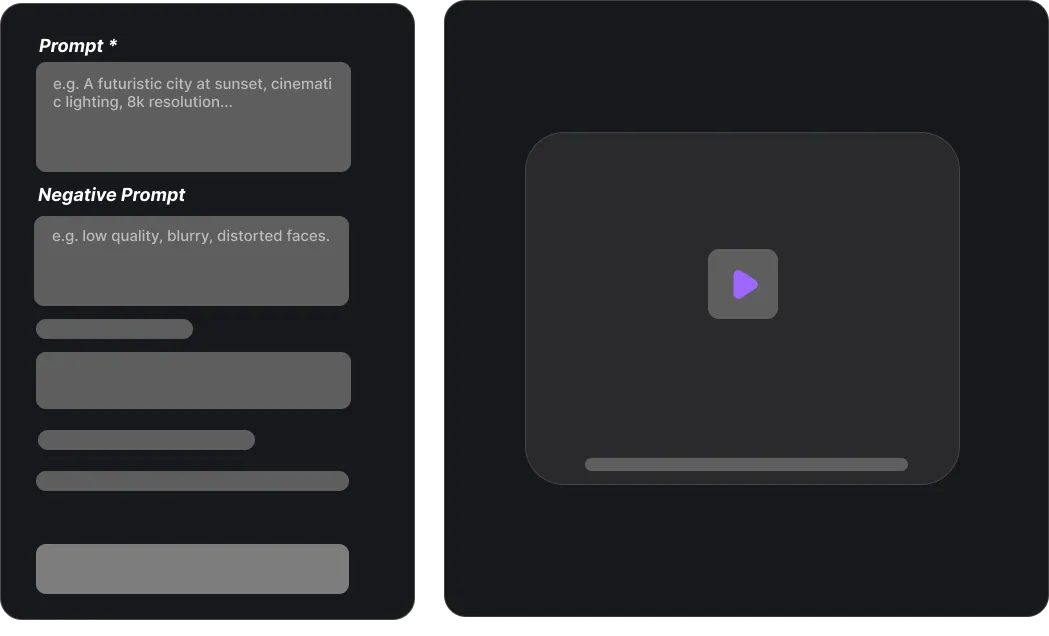
Enter Your Prompt
Enter a clear text prompt to guide Wan 2.7 AI. Create cinematic videos for marketing, social media, or storytelling with precise prompt control.
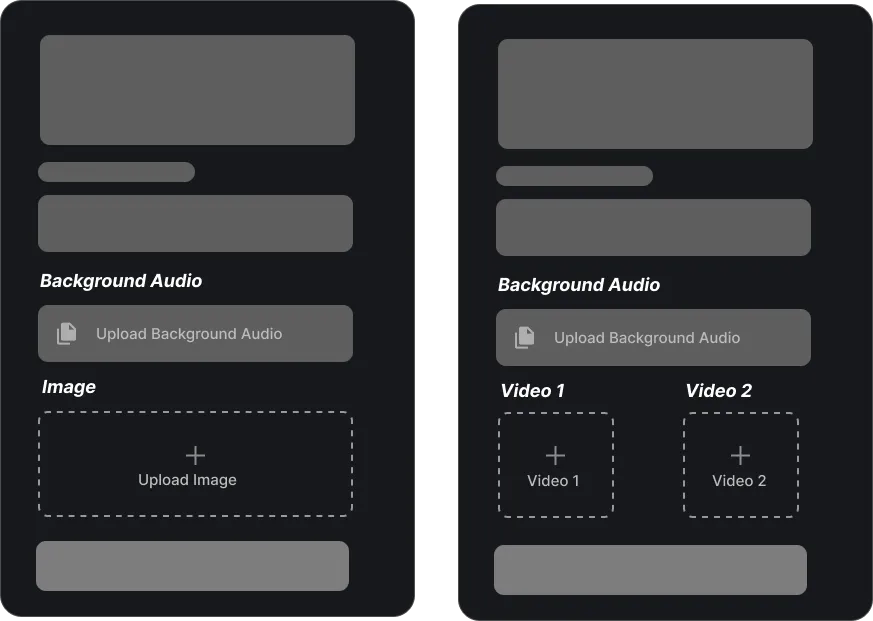
Upload Reference (Optional)
Upload images or clips to guide style, composition, or identity. Combine prompts with references for consistent, production-ready motion.
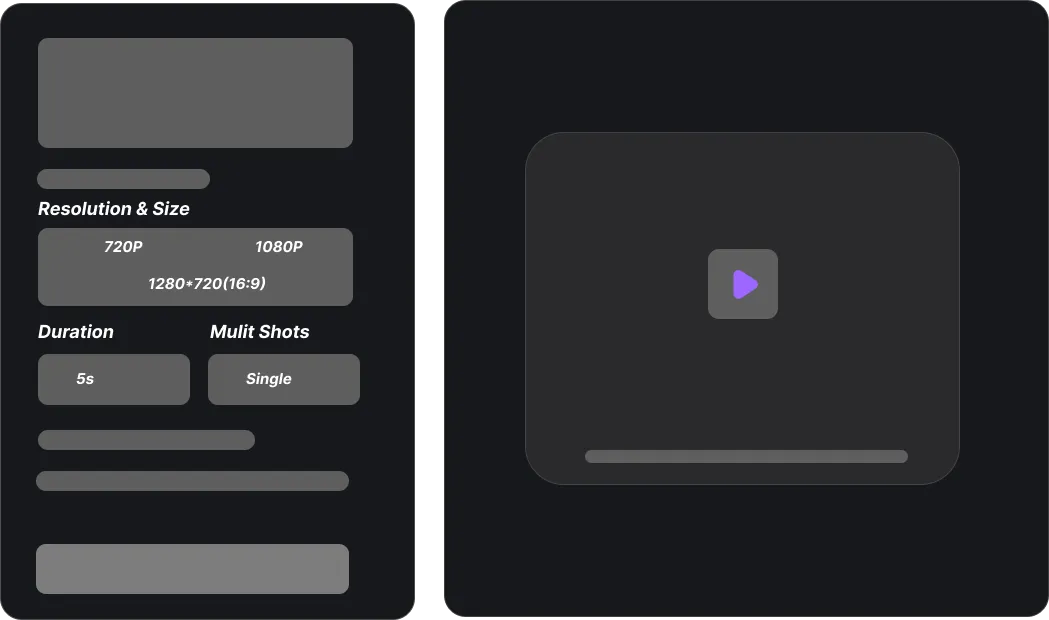
Adjust Parameters
Set resolution, aspect ratio, duration, and multi-shot options. Optimize for TikTok, YouTube, or high-end client delivery.
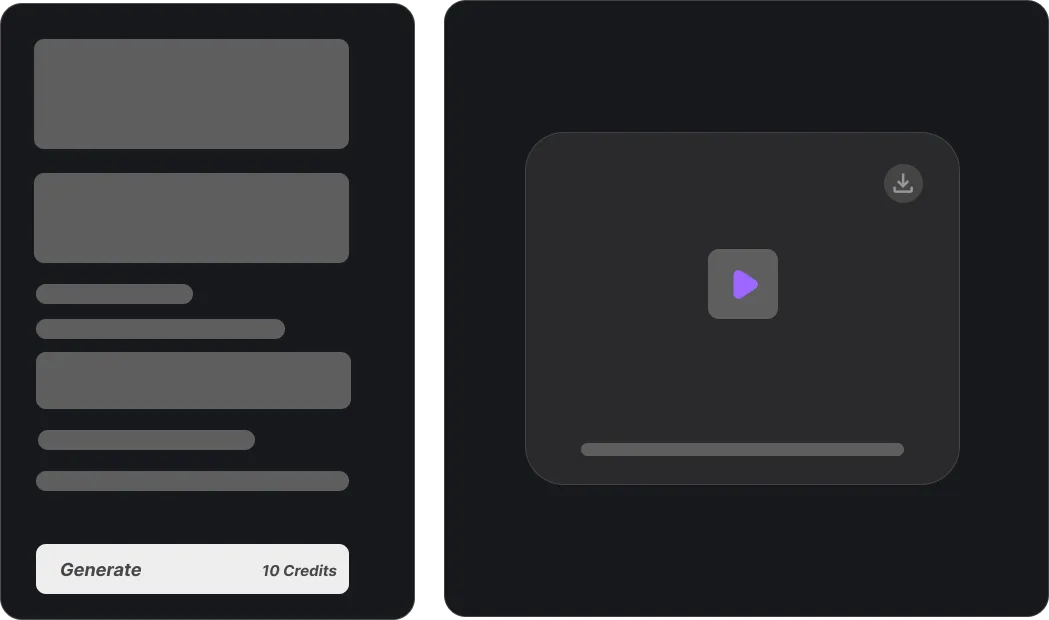
Generate and Download
Generate high-quality videos and download them in seconds. Use Wan 2.7 in your marketing, socials, and production workflows.
[ Input Modes ]
Understand Wan 2.7 Input Modes for Maximum Control
Wan 2.7 supports multimodal workflows, allowing creators to combine text, images, and references for precise video generation.
Text to Video
Generate videos directly from prompts. Ideal for creative storytelling, ads, and concept visualization with full control over style and motion.
Image to Video
Animate static images into dynamic clips. Maintains composition, lighting, and subject identity while adding realistic motion.
Reference to Video
Use video or multi-view references to preserve character identity, layout, and style across new scenes and shots.
Audio-driven generation
Optional audio input syncs motion with rhythm or dialogue. Great for music videos or speaking character animations.
Multimodal combination
Combine text, image, and reference inputs. Wan 2.7 merges all signals into a single coherent video output.
See pricing and capabilities on the Pricing page for production planning.
[ Video Prompt Showcase ]
Best Wan 2.7 Prompt Examples for High-Quality Output
Use structured prompts to unlock better motion control, storytelling, and cinematic consistency in wan 2.7 ai generation.
[ Use Cases ]
Real-World Applications of Wan 2.7
Create production-ready videos across industries using Wan 2.7 workflows optimized for speed and quality.
Marketing & Ads
Generate high-converting ad creatives quickly. Turn product images into dynamic promotional videos for paid campaigns.
Social Media Content
Create TikTok, Reels, and YouTube Shorts. Produce short cinematic clips with trending styles and consistent branding.
E-commerce Videos
Transform product photos into engaging demos. Animate product rotation with lighting and camera motion for listings.
Storytelling & Film Previs
Prototype scenes and narratives. Generate multi-shot sequences before full production to save time and cost.
Education & Explainers
Visualize complex ideas. Create animated explainer videos with clear motion and synchronized narration.
Frequently Asked Questions
Common questions about using Wan 2.7 for AI video generation.
Start Creating Videos with Wan 2.7 Today
Turn ideas into cinematic videos using Wan 2.7 in minutes. No editing skills required—just prompts, references, and creativity.